Let’s talk
Book a call with our team today!

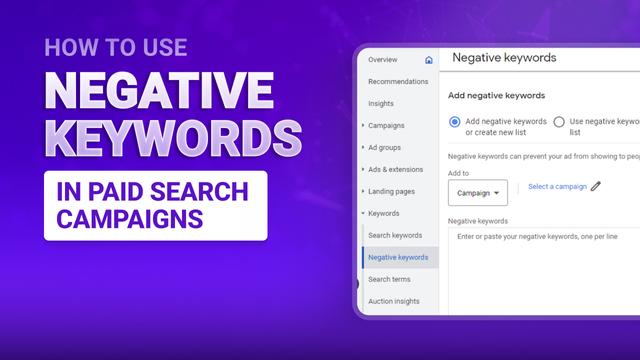
How to Use Negative Keywords in Paid Search Campaigns
Negative keywords aren't just a cleanup task—they're how you stop paying for the wrong people. Every irrelevant click costs you money that could have gone toward someone actually interested in buying. Here's how to use negatives strategically to cut waste and improve performance.
Understanding Negative Match Types
Broad negative keywords block terms across multiple queries. Add "free" as a broad negative if you don't offer free products, and it blocks "free running shoes," "running shoes free shipping," and "free Nike shoes." This is powerful but can be too aggressive.
Exact negative keywords block very specific search terms. If people search for "Nike Air Max 270 black size 12" but you don't carry that exact product, add it as an exact negative. This prevents wasted clicks while still allowing similar searches.
Phrase match negatives block partial phrases. Add "job" as a phrase negative to block "Google Ads jobs," "PPC manager job," or "marketing job openings" if you're advertising services, not employment.
Create negative keyword lists for terms you never want to target across any campaign. Build lists for competitors, job-related terms, or free products. Apply these lists to multiple campaigns instead of adding the same negatives individually.
Finding Wasted Spend in Search Terms
Check your search terms report weekly to see exactly what people typed before clicking your ads. Look for patterns of irrelevant searches that are costing you money. If you sell premium products but keep getting clicks for "cheap" or "discount" searches, add those as negatives.
Let’s talk
Book a call with our team today!