Let’s talk
Book a call with our team today!

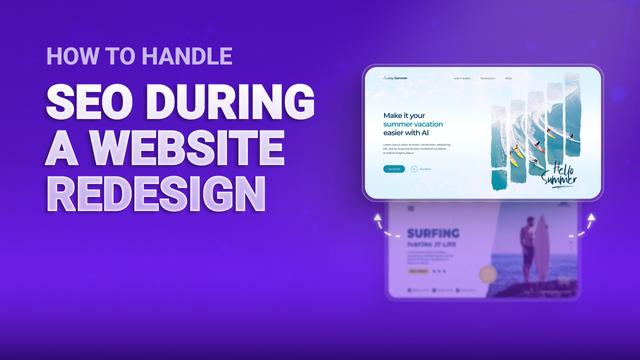
How to Handle SEO During a Website Redesign
Let’s get one thing straight: most SEO disasters after a redesign don’t happen because the design looks different… They happen because someone forgot about the technical back end.
You launch the pretty new version and celebrate - then suddenly your traffic tanks. It’s never fun and can feel like a huge waste of money.
But here’s the good news - it’s avoidable. You just need to prep right before you start playing around with pixels.
Step One: Crawl Your Old Site
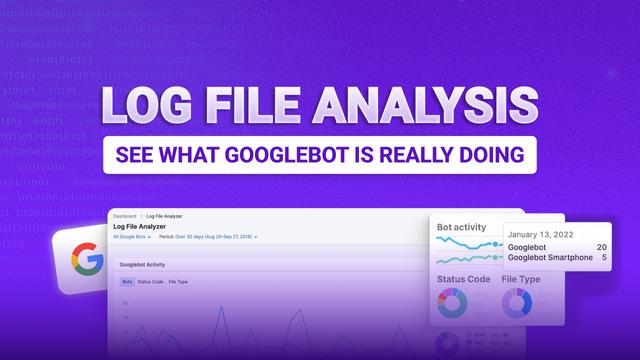
Before you touch anything, do a full crawl of your current site. I’m talking about every single URL, blog post, service page, you name it. This is your backup. Your reference. If you don’t want to accidentally delete your top-ranking pages, this is how.
It’s also how you make sure nothing important gets lost in the chaos of the redesign.
Step Two: Build a Redirect Map
Now, if you’re changing URLs, and even if you think you're not, you need a proper redirect map.
Every old URL should point to a new one. Yes, even the random blog from 2017 that barely got any views. Why? Because links exist, and broken ones chip away at your site’s authority. Fast.
301 redirects are your best friend here. Without them, you’ll be saying goodbye to your rankings.
Content and Structure Protection
If a page is bringing in traffic right now, it’s working - do not mess with it for the sake of making it look prettier.
Keep the content, keep the optimisation. If you’re tweaking copy, then keep it relevant and search-friendly.
Also, don’t break your internal links. If your blog lives on the homepage and that’s helping it rank? Don’t remove it in the new layout just because the designer thinks it looks “cleaner.”
And try not to change URLs unless absolutely necessary. If you do, then ingrain it in your brain to always redirect.
Technical Implementation
Once the redesign’s ready, don’t just hit “publish.” Test it in a staging environment first.
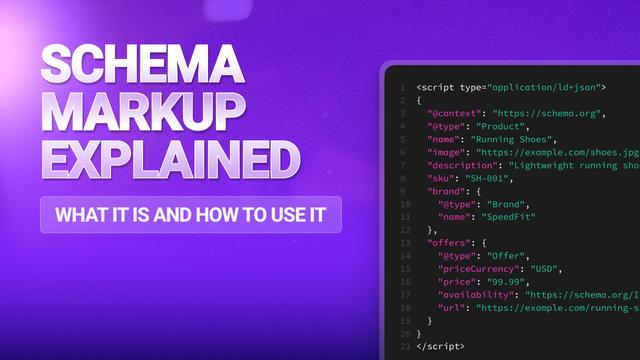
Run a crawl. Check for broken links, missing meta tags, or pages that somehow disappeared. Make sure your schema markup, canonical tags, and meta info all made the transition. And don’t swap everything over to JavaScript without checking that Google can still read your content.
Let’s talk
Book a call with our team today!