Let’s talk
Book a call with our team today!

How to Use n8n to Automate Advanced AI Workflows
If you’ve ever hit a wall with Zapier or Make because of pricing limits, clunky logic, or not being able to fully control your data — let me introduce you to n8n.
It’s like the open-source, self-hosted cousin of those tools. You run it yourself, on your own server. Which means your data stays yours — no surprise uploads to third-party clouds, no creeping usage costs, and no random outages you can’t control.
Here’s the best bit: it’s got a drag-and-drop interface that even non-techy team members can get their heads around — but under the hood, this thing’s powerful. We’re talking deep customisation, unlimited workflow runs, and full-on API flexibility. It’s built for serious automation, especially if you’re playing with AI tools and need more than “if this, then that.”
How n8n Handles AI Integration
Where n8n really shines is chaining a bunch of AI steps together without breaking a sweat.
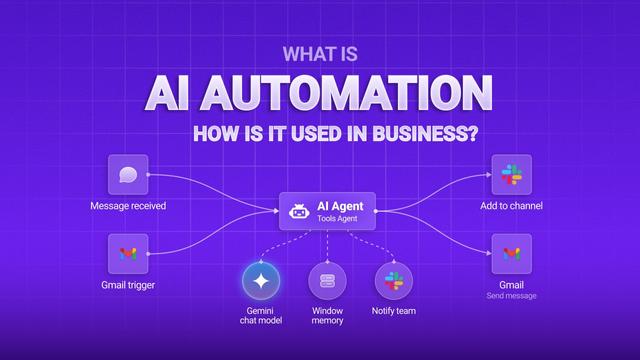
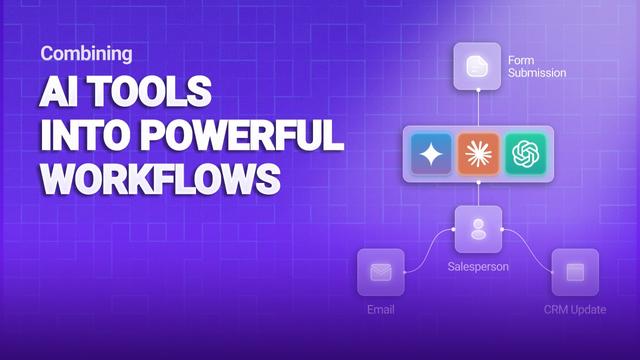
Say you want to send something to OpenAI to get a summary, then pass that on to Claude for a second opinion, and finally ping the results over to Slack, Notion, or your CRM. All in one go.
That’s n8n’s bread and butter.
It handles all the boring stuff like API keys, formatting weird data, retrying if something fails — so you can focus on the actual logic. You can even build smart branches into your flows, like “if the confidence score is low, send this to a human for review.”
Let’s talk
Book a call with our team today!