Let’s talk
Book a call with our team today!

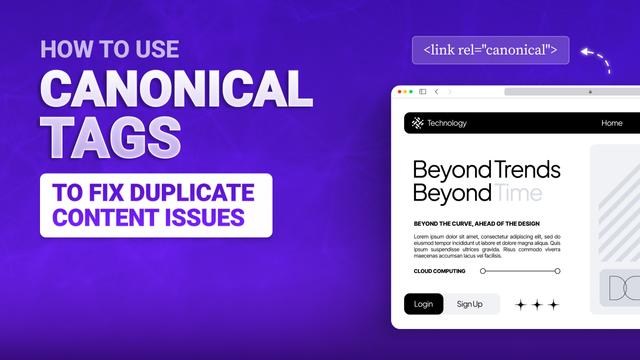
How to Use Canonical Tags to Fix Duplicate Content Issues
Canonical tags are hints that tell Google which version of a page you consider the "main" one when you have duplicate or very similar content. They're suggestions, not commands - and Google can choose to ignore them if they seem incorrect.
Think of canonicals as a way to combine the ranking power of similar pages into one preferred URL. Instead of having three weak pages competing against each other, you can have one strong page that gets credit for all the content.
This is more important for ecommerce sites, blogs with multiple categories, or any other site that creates similar pages for different purposes.
When to Use Canonical Tags
Let’s say you have products with multiple colour or size variations and a different URL page for each one. You would use a canonical to point to the main version.
Or, say you have a blog post showing up in multiple categories - it’s the same deal. Pick the core URL and set that as the canonical.
And those long URLs that look like this "?utm_source=email" with the tracking bits on the end? Canonical them to the clean version without all the extra fluff.
Similar content that serves different purposes might also need canonicals to prevent competition between pages.
Common Canonical Mistakes
A few common mistakes that people make are: Pointing canonicals to pages that are set to noindex, resulting in mixed signals that confuse Google. Or, creating chains, where Page A points to B, and B points to C. Just point straight to the final version. And then there’s using canonicals when you really should be using 301 redirects, especially if the old page isn’t coming back.
Let’s talk
Book a call with our team today!