Let’s talk
Book a call with our team today!

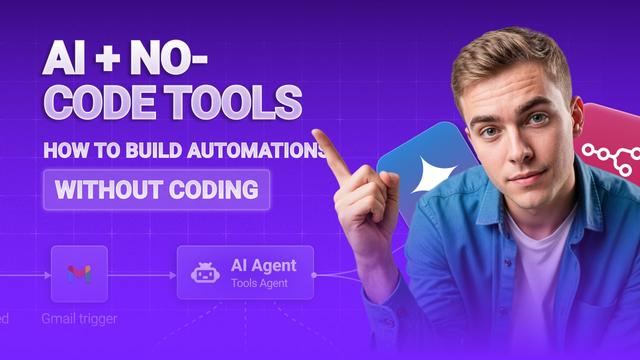
AI + No-Code Tools: How to Build Automations Without Coding
Thanks to no-code tools like Zapier, Make, Airtable, and Notion AI, it’s now easier than ever to build out complex automations using drag-and-drop blocks and using the apps to connect them all together and Ai to automate
So, how does it actually work?
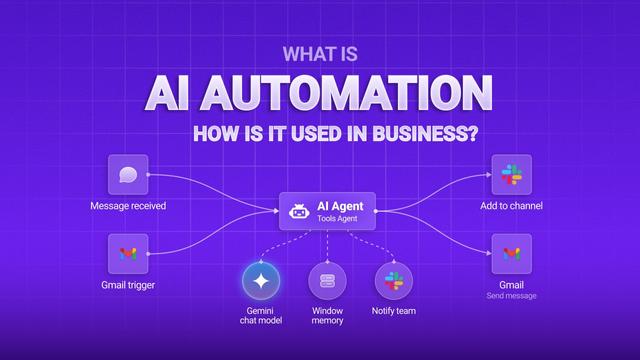
Most of these platforms follow the same workflow: something happens (this could be that a form gets filled in) → you set up a trigger → and then actions happen automatically.
But here’s where it gets fun: you can throw AI into the middle of that workflow. You could have ChatGPT summarise a long customer message, Notion AI tidy up a messy note, or Airtable label responses automatically, without lifting a finger.
Cool, right.
Building Your First AI Workflow
You’ll want to start things off simple.
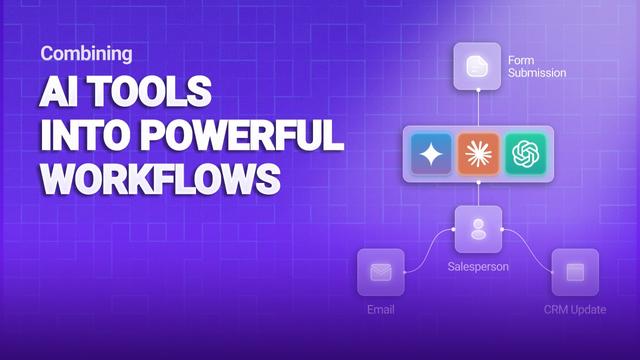
Let’s say you’ve got a Google Form collecting feedback. You can set a trigger: Someone submits a response. And then an Action: AI summarises the message. Followed by another action: Emailing that summary to your team.
That’s one mini automation, done.
Let’s talk
Book a call with our team today!