Let’s talk
Book a call with our team today!

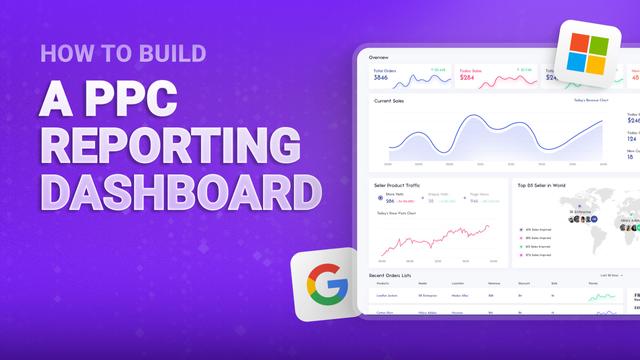
How to Build a PPC Reporting Dashboard
Most PPC dashboards are cluttered messes that create more questions than answers - there’s just too much noise. A good dashboard gives you the key information you need to make decisions quickly - and lets you ignore the things you don’t. Here's how to build clean, actionable dashboards using tools like Google Looker Studio.
Dashboard Essentials and Layout
Show your most important KPIs at the top where you'll see them first. Cost, conversions, cost per conversion, and return on ad spend should be visible immediately. Use large, clear numbers with color coding—green for good performance, red for problems.
Break your data down by the dimensions that matter for optimization. Platform comparison shows whether Google Ads or Microsoft Ads is performing better. Campaign breakdown identifies your winners and losers. Device performance reveals if mobile or desktop converts better.
Trend lines and goal benchmarks let you see performance over time - they’re essential to include. A line chart showing cost per conversion over the past 90 days reveals whether you're improving or declining. Add benchmark lines for your target metrics.
Use filters to explore your data without creating separate reports. Date range filters let you compare this month to last month. Campaign type filters let you isolate search versus display performance.
Data Integration and Visualization
Connect Google Ads, Google Analytics 4, and your ecommerce platform - you’ll get complete attribution. Google Ads shows click data. GA4 shows user behavior and assisted conversions. Your ecommerce platform shows actual revenue. Combining these gives you the full picture.
Let’s talk
Book a call with our team today!